- DATE:
- AUTHOR:
- The SpotOn RPOS Updates team

Product Updates: 06/01/26 - 06/26/26
We've packed this month with foundational upgrades and operational speedups — from faster, more reliable hardware powering your system to staff tools that save hours and guest features that keep the line moving. Your restaurant runs smoother when your team has better tools and your kitchen is in sync. These are the 5 releases you should know about this month!
Back of Office & Point-of-Sale
Hardware POS: Faster, More Reliable POS Hardware
We're raising the bar on the hardware powering your SpotOn system. The updated POS station is now the standard for all new installs and hardware replacements starting June 2026.
2x the memory: Smoother performance, even during your busiest shifts
4x faster processor: More responsiveness when every second counts
Android 14: A more stable, secure system running your operations every day
Better hardware. Same experience. Built to keep up with your business
Add-On's
Teamwork: Shifts & Pay at a Glance
The Teamwork Classic App’s redesigned homepage and navigation put essential daily data front and center, saving time for your staff and reducing headache calls for you.
Now, your team can:
See upcoming shifts instantly right upon login to stay on schedule.
View a weekly pay summary covering take-home tips and hours worked without extra clicks.
Navigate tools faster using a cleaner, decluttered side menu.
Faster insights. Smoother operations.
Note: Please ensure your team downloads the latest version of the Teamwork app to enable this update.
Download Teamwork Classic:
iOS: link to download
Android: link to download
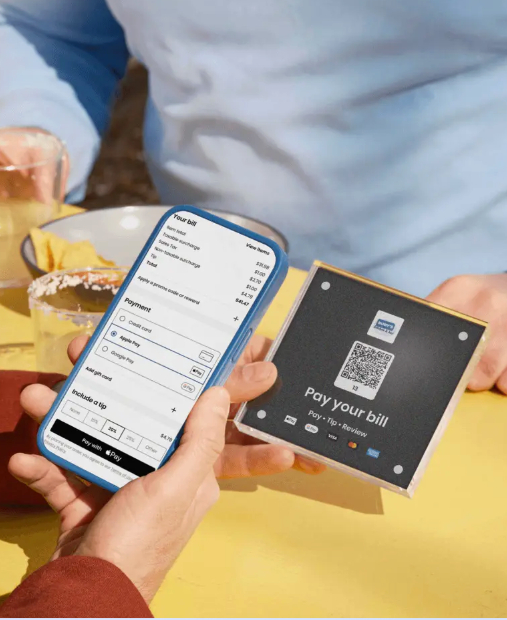
Keep the dining room moving with Mobile Pay & Review. With QR code placards at every table, guests can view their live check, pay instantly, and review you right from their phones.
Boost your Google rating: Prompt guests to leave a review directly from the payment screen to build your online reputation.
Turn tables faster: Save up to 12 minutes per party and free staff from running cards.
Grow your database: Capture guest contact info easily via Apple Pay or Google Pay.
Shorter waits, higher ratings, and a five-star experience for guests.
GoTo App: Send Guests Straight to Your Menu
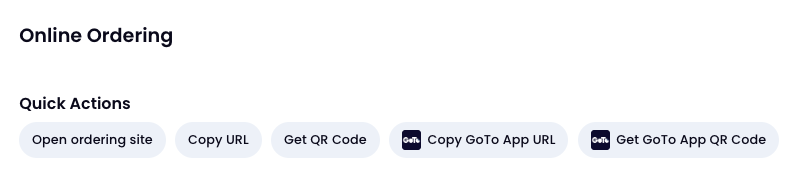
Make it easier than ever for guests to order from you. You can now generate custom links and QR codes that drop guests directly onto your menu in the GoTo app.
Skip the search: Guests are routed straight to your storefront after downloading—no typing or scrolling required.
Market anywhere: Use your custom URL on social media and your website, or print the QR code for table tents.
Drive repeat business: Remove the friction, bypass the competition, and make mobile ordering effortless.
A seamless path from your marketing directly to their checkout.
Kitchen: Secondary Item Summary
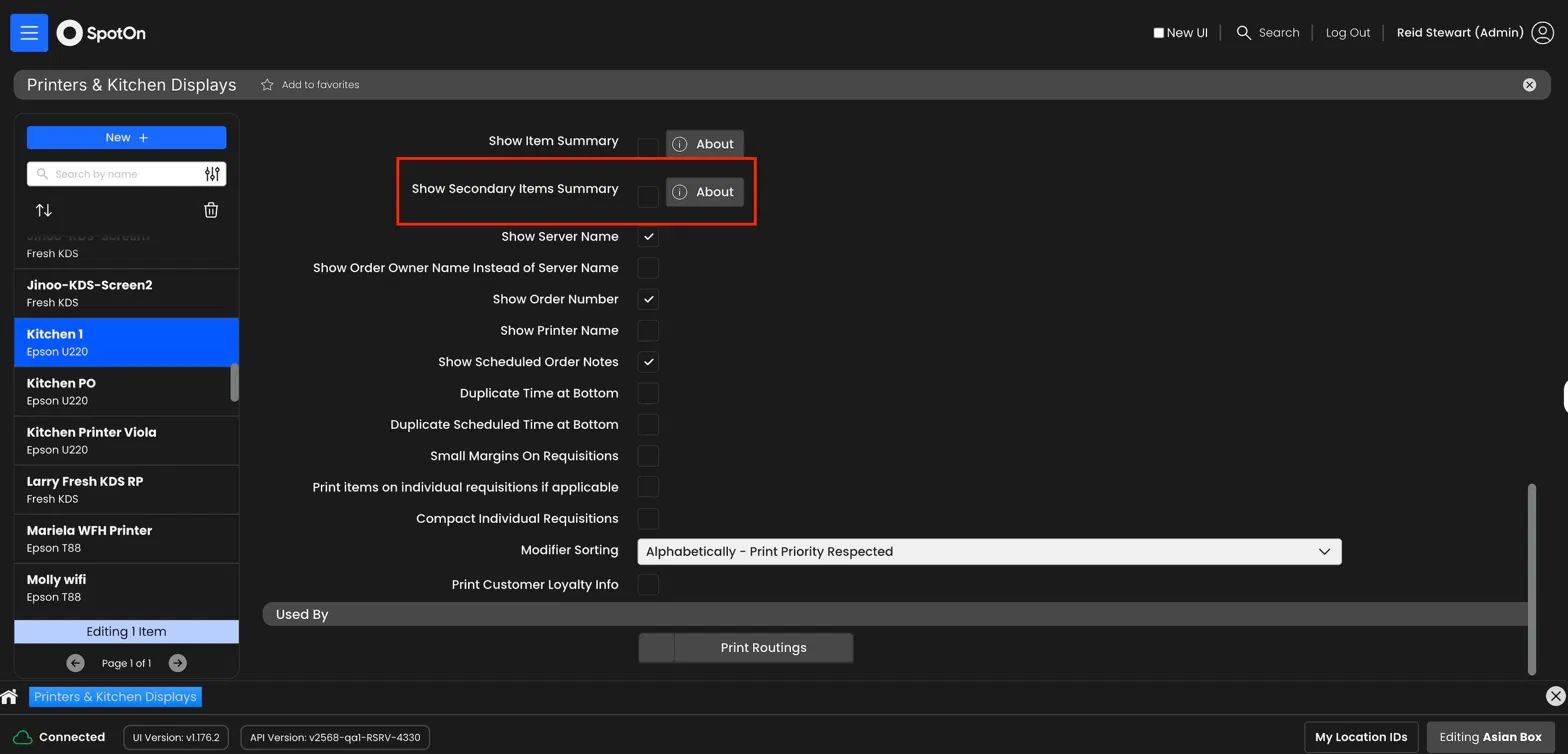
Keep every station in sync so all items for an order are ready at the same time. Secondary Item Summary adds a dedicated section to each kitchen chit showing what other stations are preparing, so your team always has the full picture. Now your kitchen can:
Coordinate timing across stations: See items being prepared at grill, fry, expo, and other stations directly on each chit
Eliminate the wait: Prevent food from sitting under heat lamps while other stations catch up
Run smoother service: Give every team member a complete view of the order, reducing miscommunication and delays
Note: Merchants using Enhanced Conditional Print Routing should not enable Secondary Item summary. Running both features together is unsupported and may cause unexpected results.